

Plugins built from real demand, not feature bloat.
Titanium is a new generation plugin line for WordPress sites that need serious tools without messy interfaces and unnecessary extras. The direction comes from real-world use, feedback, demand and the features people actually need day to day.
- Built around real use cases
- No useless filler features
- Modern, easier admin design
- Clear Free and Pro paths
Cleaner workflows. Smarter features. Better first impression.
Visitors should immediately understand what makes these plugins different: they are practical, modern and intentionally focused. You get the tools people ask for most, presented in a cleaner UI that stays easier to use as your site grows.
Feature direction shaped by user demand, common problems and repeated requests.
No overloaded panels full of edge-case options most sites never touch.
Cleaner layouts, clearer states and easier decision-making inside WordPress.
Each plugin solves one important problem deeply instead of being an all-in-one mess.
Designed the way people actually want WordPress plugins to feel.
The Titanium line is about cutting out the noise. Instead of stuffing one plugin with endless low-value extras, the focus is on the features users repeatedly ask for, wrapped in a cleaner and easier interface.
Built from actual demand
These plugins grow from real feedback, repeated support needs and the tasks WordPress site owners handle most often.
No pointless feature overload
The goal is not to tick every imaginable box, but to deliver the features that matter most without making the UI heavier.
New, easier design language
Cleaner spacing, stronger hierarchy and clearer visual states help users understand settings faster and make safer changes.
Focused professional tools
Each Titanium product solves one serious problem well, creating a toolkit that feels professional without becoming bloated.
Four plugins. Four real WordPress problems solved properly.
The original wide Titanium banners are kept full-width below so the product presentation feels premium and consistent with the individual plugin pages.
 Menus
Menus
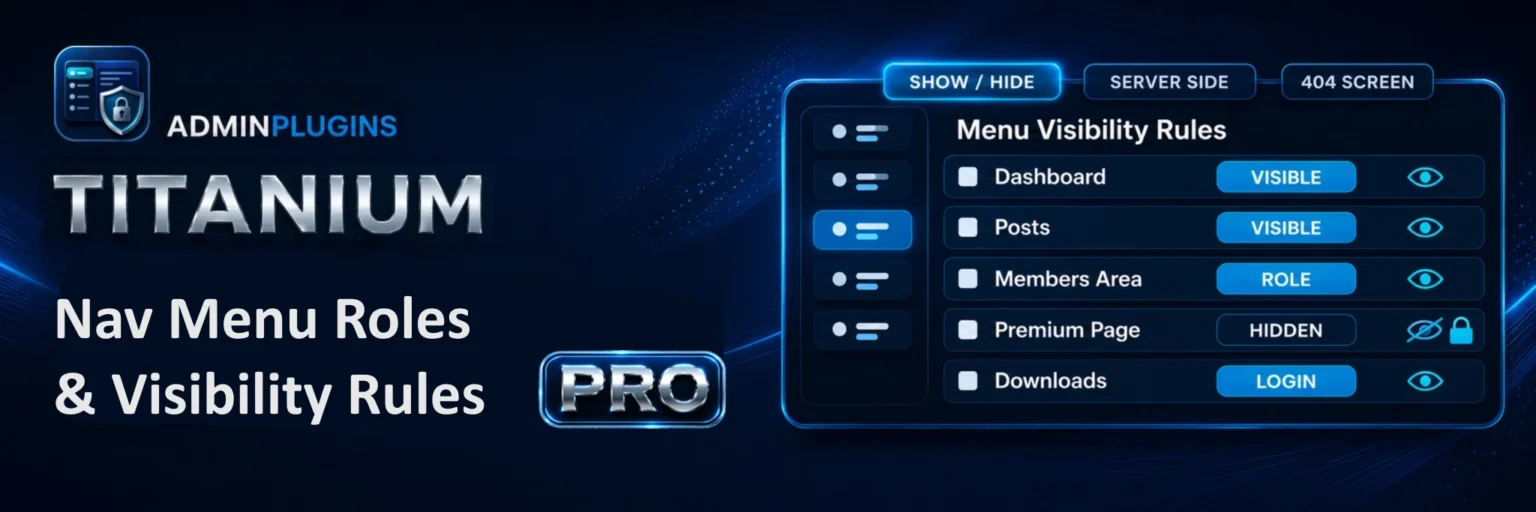
Titanium Nav Menu Roles & Visibility Rules
Control who sees menu items and when. Built for websites that need clean navigation rules for visitors, members, customers and admins.
- Role-based and login-based menu visibility
- Page and post targeting rules
- Advanced condition groups with AND / OR logic
- Optional linked page protection
 Roles
Roles
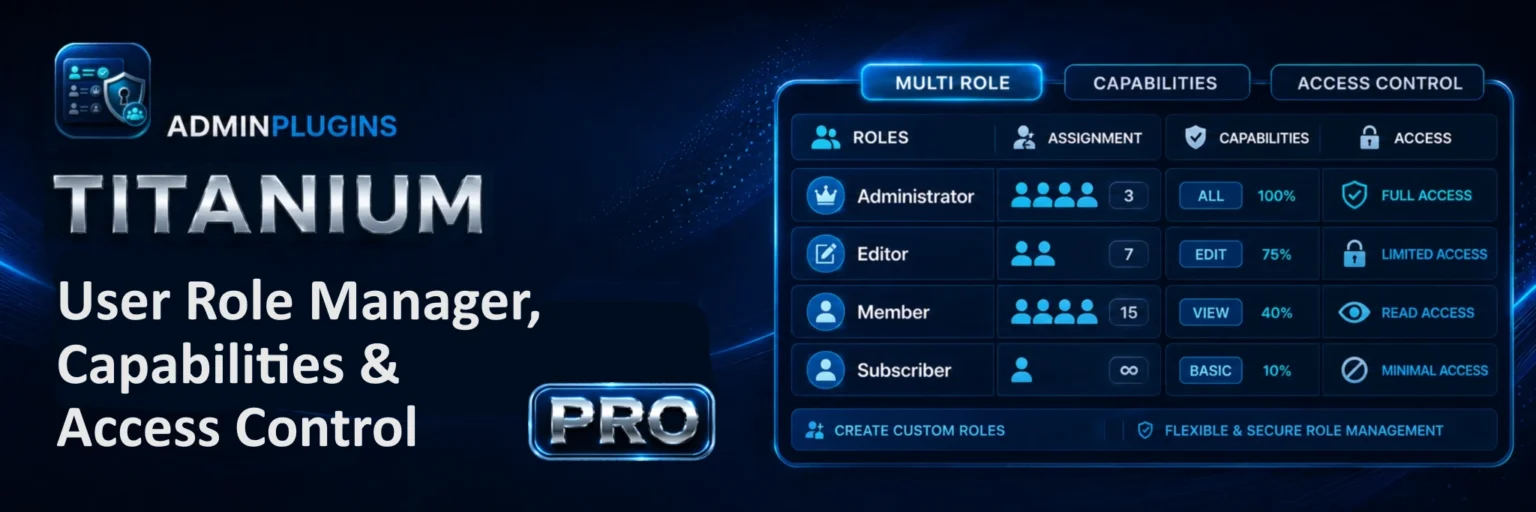
Titanium User Role Manager, Capabilities & Access Control
A practical role and capability manager for websites that need cleaner permission control, multiple roles and clearer access rules.
- Visual role and capability management
- Multiple role support for users
- Content access control tools
- Admin access management options
 Images
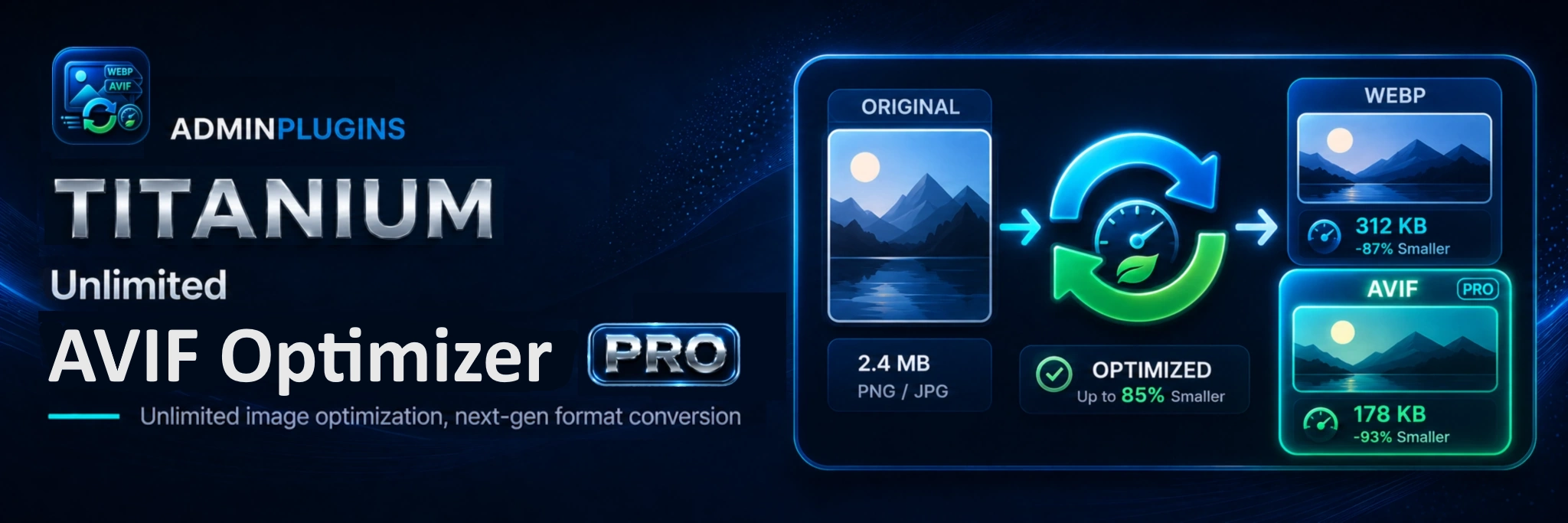
Titanium WebP Optimizer
Built for site owners who want local image optimization without monthly limits, while keeping visibility over every converted file.
- Unlimited local WebP generation
- Automatic conversion on upload
- Controlled queues for larger libraries
- AVIF and advanced scans in Pro
 Email
Email
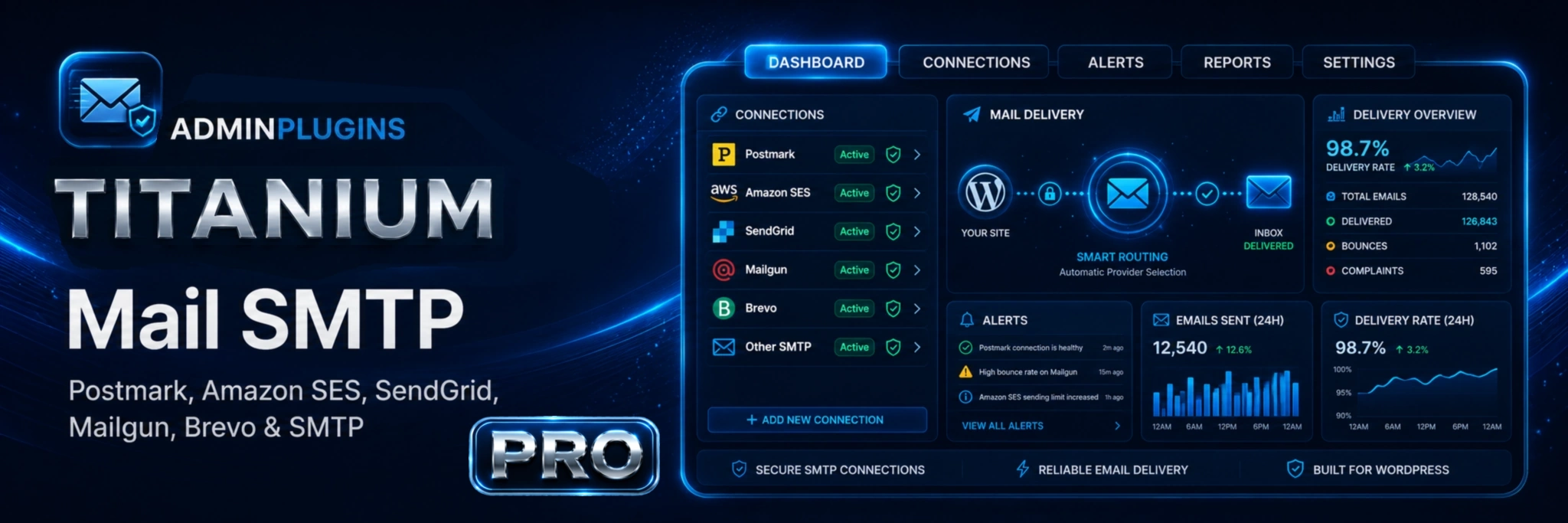
Titanium Mail SMTP
Reliable WordPress email delivery with a cleaner setup experience and a practical path into routing, backups and logs when you need more.
- Popular SMTP and API mailer options
- Smart routing based on message needs
- Backup connections for resilience
- Detailed logging and diagnostics
The next generation of practical WordPress plugins starts here.
Start with the tool that solves your biggest problem today, then build a cleaner WordPress stack with products designed around actual needs—not filler.